
App Breakdown #55 · Finch
The UI design of Finch, the self-care pet that makes habits feel like a game
Finch is a self-care pet, a modern Tamagotchi for building small daily habits. José opens it for the first time, and ends up a fan.
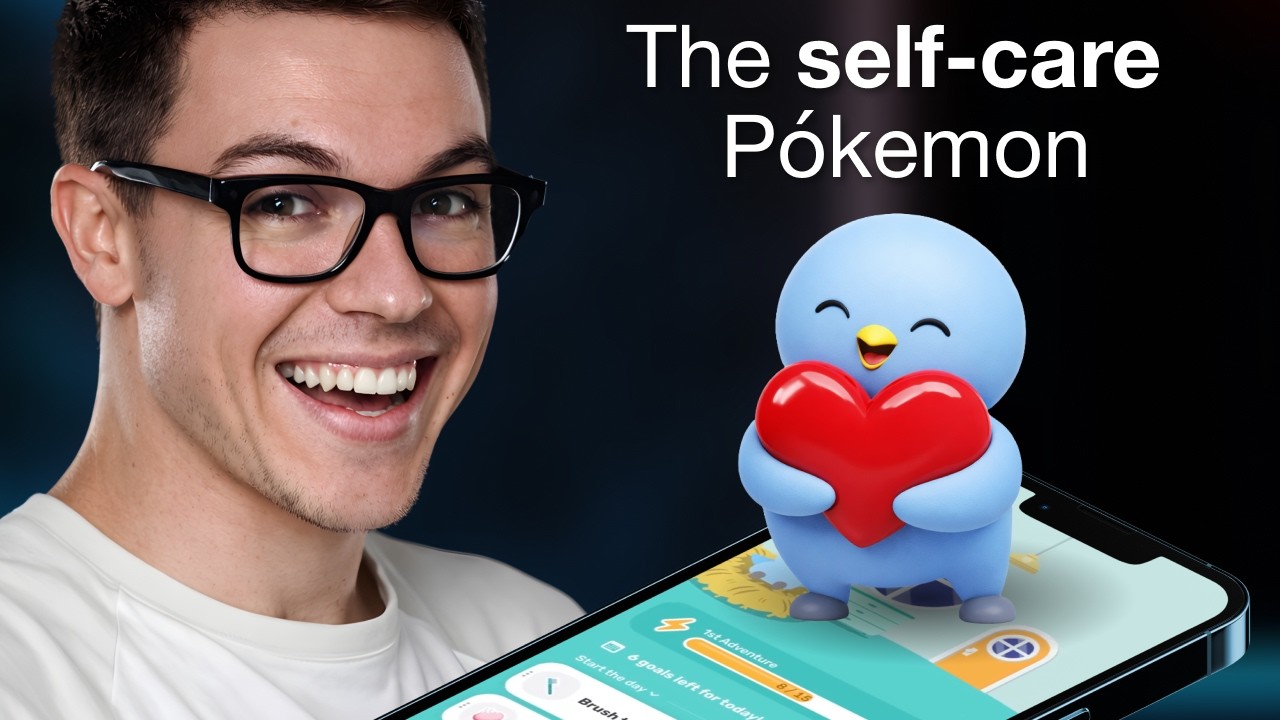
José opens the episode on Finch, the self-care pet, an app in an extremely lucrative but extremely competitive category 0:00. There are now a bunch of successful apps with pets, mascots and AI friends 0:11; think of them as the Tamagotchi, evolved 0:22. Finch, he guesses, is one of them, aimed more at self-care 0:39. He has never opened it 0:44.
Hatch a new pet
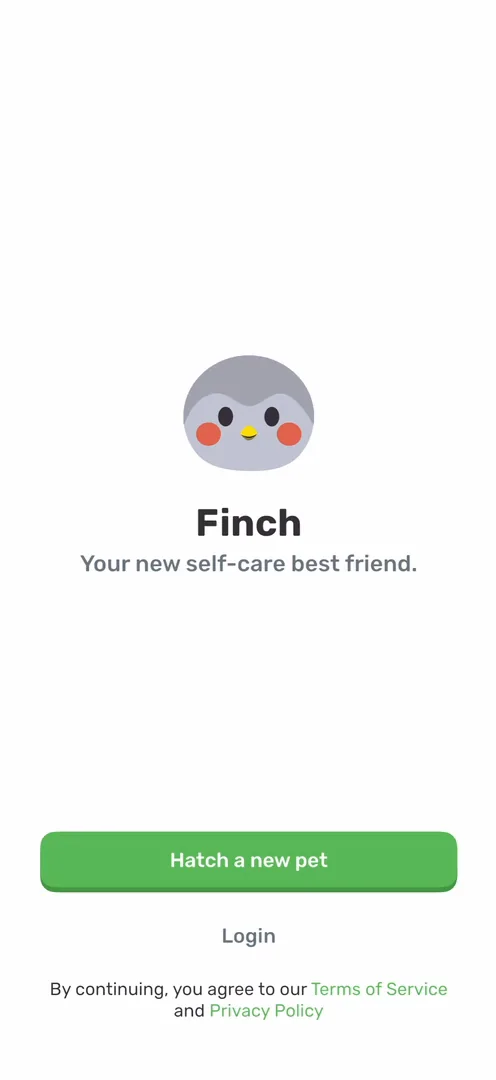
“Cool little copy trick, instead of create account, it’s hatch a new pet” José, 1:06
You pick an egg, and it hatches with a very basic animation 1:46; he expected something like an app from one of the first episodes, where you shake to hatch the egg. He keeps the suggested name, Sushi. Then you choose a trait, and finally there’s a cool animation 2:17: the bird acts out each trait as you tap it 2:22.
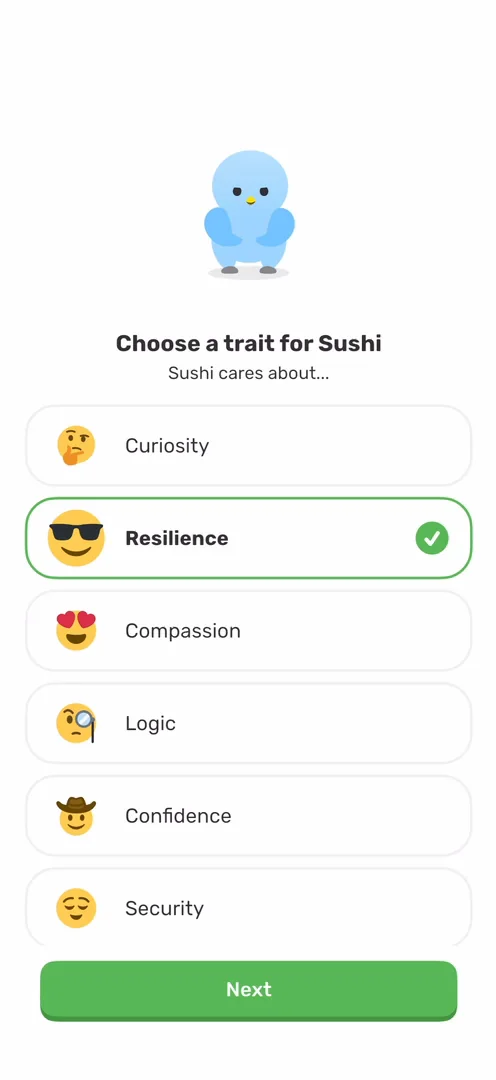
The bird asks your name, and you type it:
“I wonder why there’s no option to just speak with it. We’re in the AI age. I want to speak to things.” José, 2:57
“Typing very last year.” José, 3:02
Basic, but it works
“Okay, so the onboarding is extremely basic. There’s no animations between pages.” José, 3:35
It’s just things flashing, but it works 3:40. One question has a nice touch: the answers grow from a leaf to a tree 3:48.
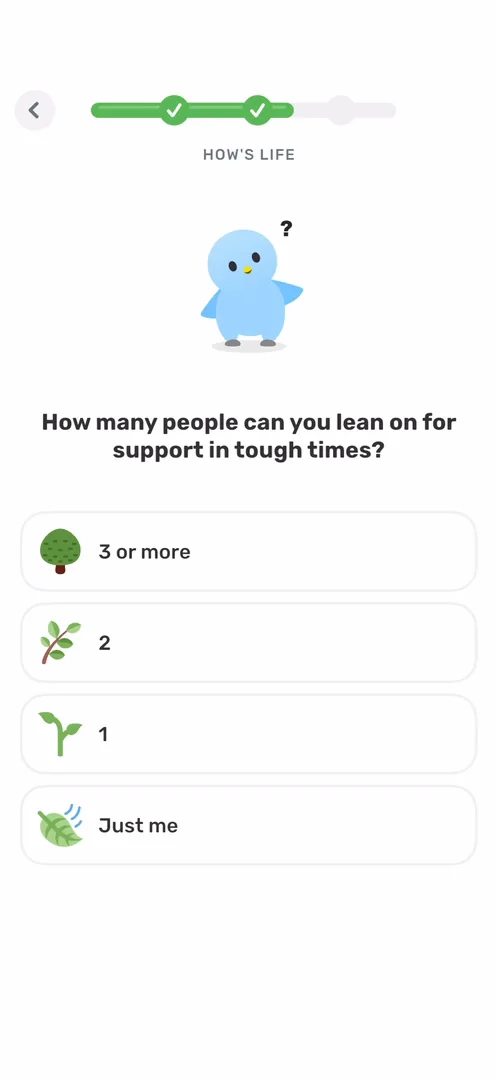
“I like seeing these little touches throughout the apps.” José, 4:00
The questions go deep into mental challenges 4:11, and then suggest a starter plan of the bare minimum to feel good: get out of bed, brush your teeth, drink water. He sees this being valuable for a lot of people. Then comes the paywall, and he has no issue with products that are good for people charging whatever they want, though it took him three taps to actually see the offer.
Then the app asks where you heard about it. By now, he has seen this screen enough times:
“They just add it because other people add it and nothing will convince me otherwise.” José, 5:27
Maybe three or four apps actually get some signal out of it 5:31.
Widgets, and their downside
On the home, a sheet asks you to add a widget, and this claim he believes:
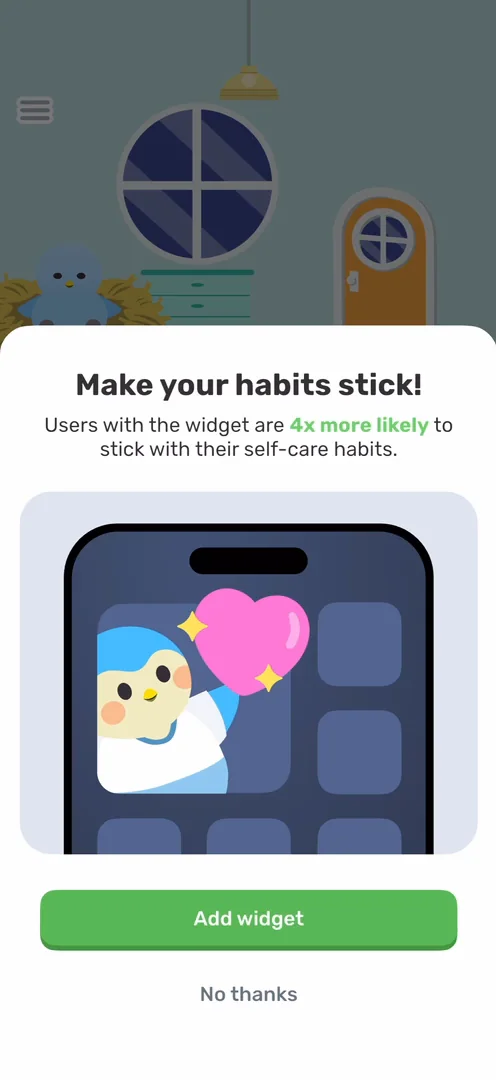
“Whenever people install a widget on their home screen, they open the app a lot more frequently simply because the app is there and it’s occupying more space.” José, 8:02
But widgets have two downsides 8:30. On iOS 18, he says, turning an app’s icon into its widget makes the icon disappear from the home screen 8:38, and without the icon you can no longer badge the app when you send notifications, a huge way to get people to open it 8:48.
“So by the way, if you’re not badging the app on your apps, start doing that.” José, 8:57
And because a widget takes up more space, people are more likely to remove it after a while 9:17. Once they do, they’re most likely gone 9:27.
“All of this is to say widgets are great if you use them properly. Widgets are great if they fit your app.” José, 9:44
A home with a pet in it
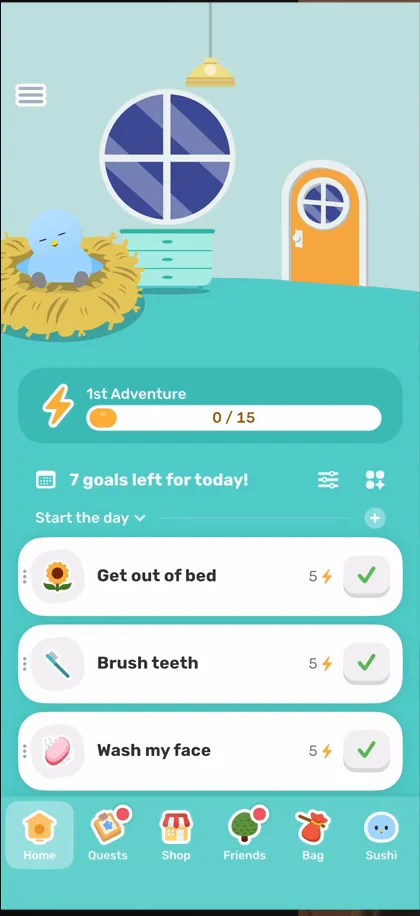
“It’s very playful. I like it.” José, 10:03
“Not the best UI in the world overall, but I really like the style.” José, 10:08
Each goal has a cute icon, and completing it gives energy to your pet 10:41:
“This is my motivation to do my actions is because I want to give energy to Sushi, which is a very cool mechanic” José, 10:48
Tapping a goal opens it with a nice little expansion animation 11:07:
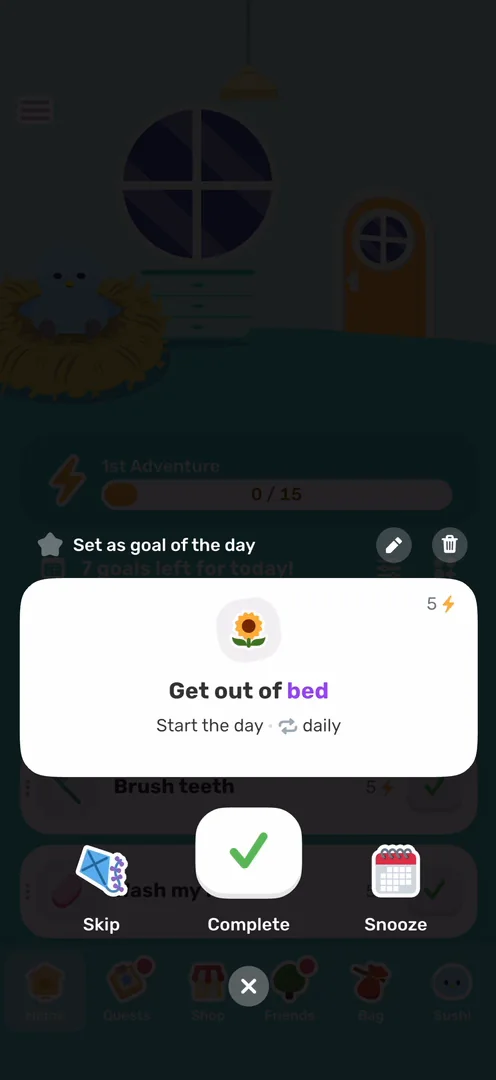
“And I also like the UI kind of dispersed at the bottom with the close, the complete, the skip, and the snooze.” José
When a friend visits, you can send good vibes back, and the premium emotions even change the background. It reminds him more and more of Obimy, but he thinks this panel is a lot better than Obimy’s 12:12.
You can also drag your goals to reorder them 12:31, which is pretty smooth.
Adventures that bring you back
Fill the energy bar, and Sushi sets off. He thought it would evolve like a Pokémon 12:56:
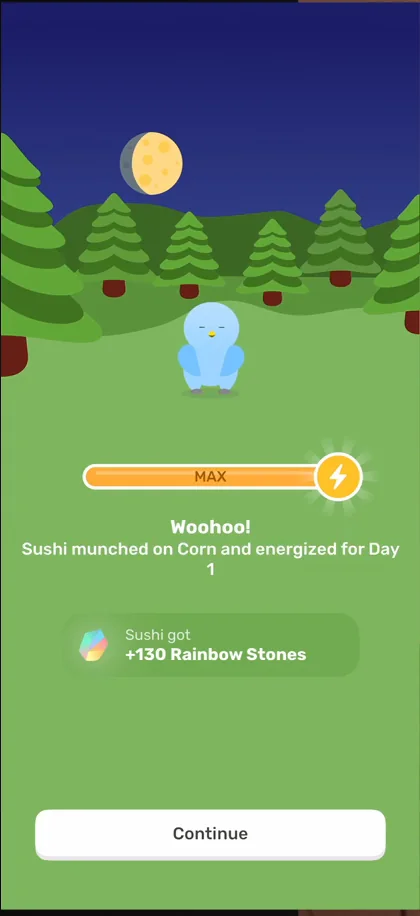
“Okay, so he actually evolves at some point. So it’s basically a Pokemon.” José, 13:16
“If this app was the exact same thing, but with a Pokemon, I might actually stick around.” José, 13:21
Then the app asks for notifications, with the bird speaking from the side of a sheet 13:42:
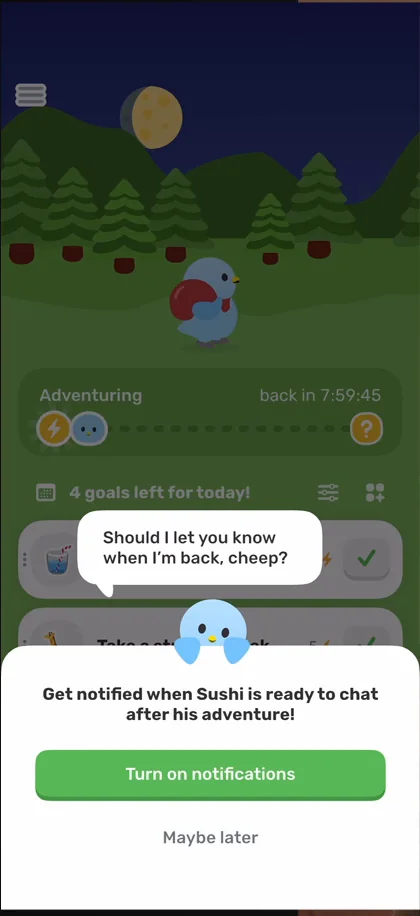
“Very cool use of the character to get you to do something that is good for the app” José, 13:47
Sushi is now away on an adventure for eight hours, and the whole background has changed 13:56.
“There’s a very high chance that I’m actually gonna open the app to see what the adventure was about” José, 14:12
“Okay, very, very interesting method actually. I had never thought of this” José, 14:17
Areas, quests and breathing
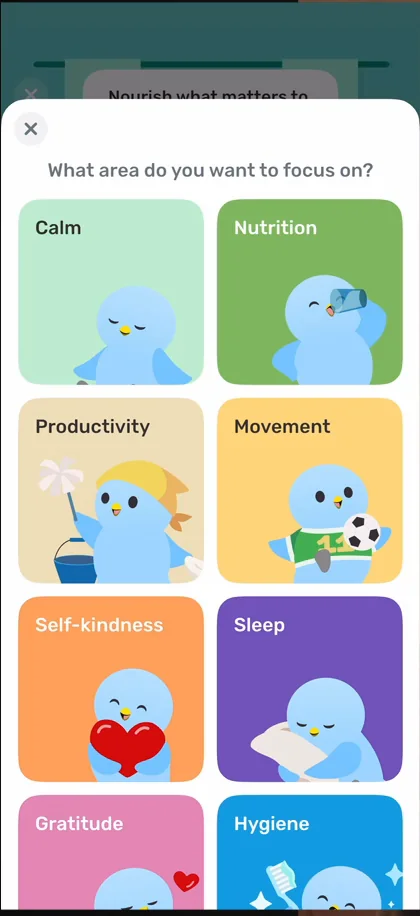
“Really loving this categorization here with the little illustrations for every single thing.” José, 14:42
But each area’s goals seem very buried in the navigation 15:04, hidden behind a tiny, tiny button 15:25. And once you’ve done every goal, the empty state just asks you to add more 15:47. That makes sense for the app, he says, but from a self-development point of view, you might do those for a while before setting new ones.
The Quests tab is nicely designed:
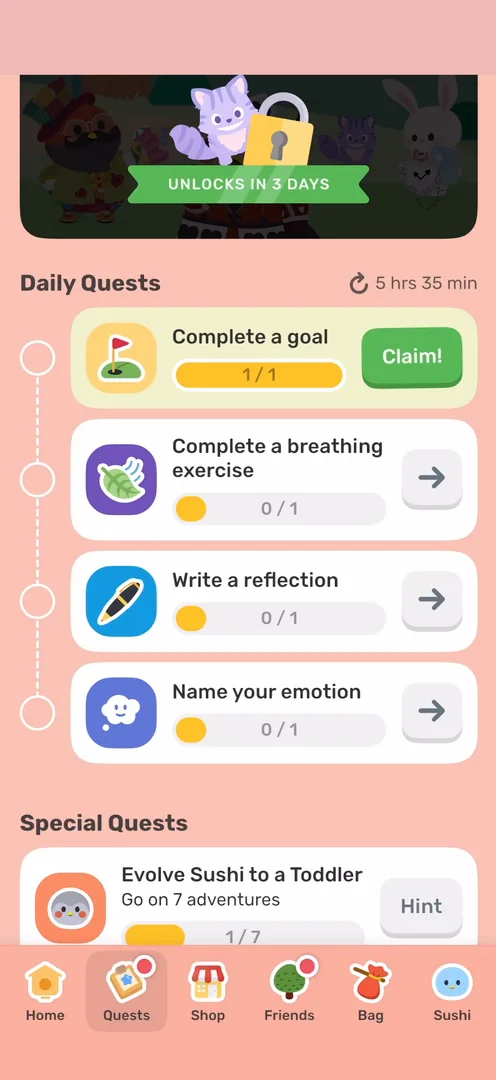
“And I’m really liking the design of these sections. They’re very airy, they’re light” José, 16:27
Claiming a quest was less flashy than he expected 16:50, but you can do the breathing exercises right inside the app 17:09, and he likes the use of colour on the backgrounds 17:24.
A passport for your bird
The last tab is Sushi’s profile:
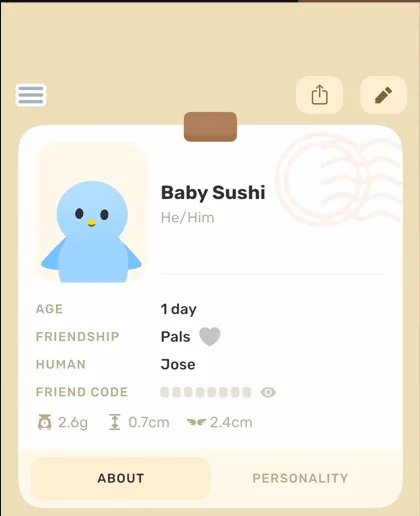
“Oh, this is a very cute profile actually. I don’t know what I was expecting but it was not this and this is a pleasant surprise.” José
His personality grows with how you interact with him.
He’s a really big fan of this profile:
“Might be my favorite part of the app so far.” José
The verdict
“I am very, very pleasantly surprised with this app, actually.” José
“But it turns out that it’s a very fun, very beautiful, and also just functional app.” José
“Things are working, flows make sense, and it seems just fun to interact with.” José
“So I’m a fan of Finch, was not expecting to be if I’m being completely honest” José, 25:35
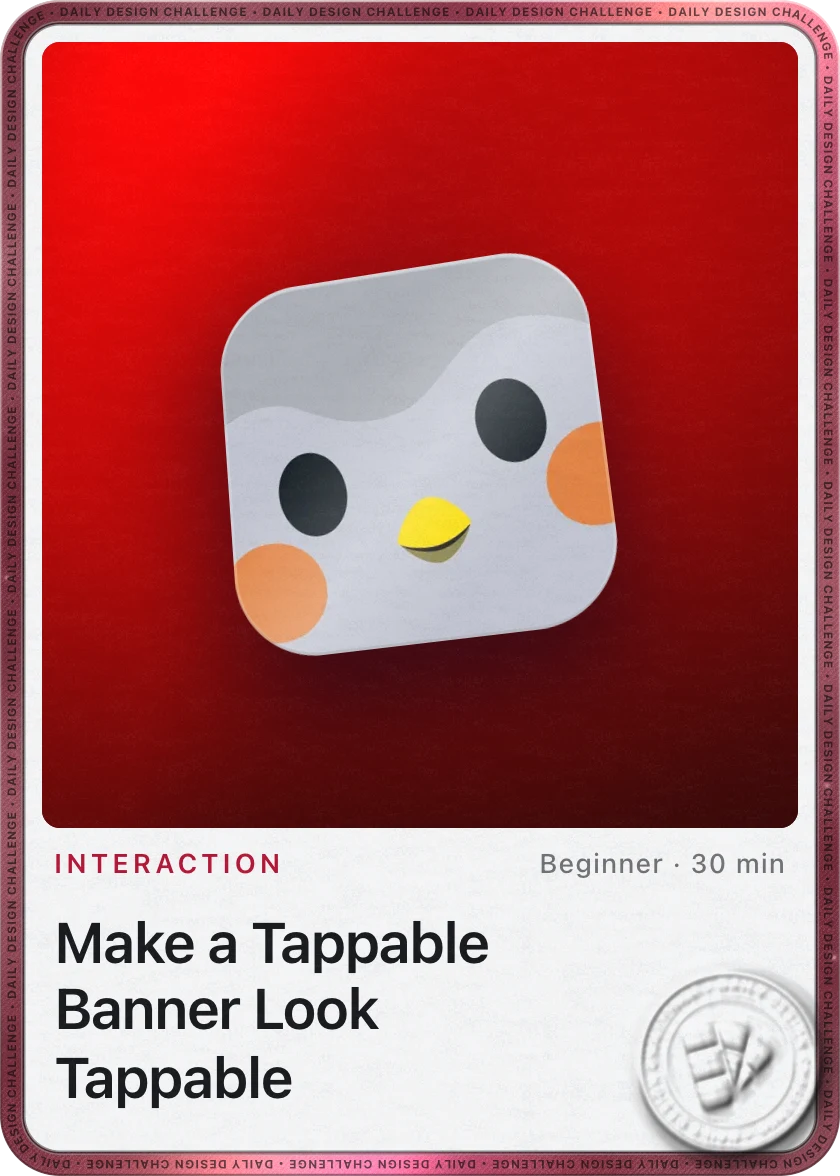 1 of 4
Four design challenges from this episode
Learn design from the apps you love
Practice UI design every day with 300+ briefs from apps like Finch. Finish one and its card is yours.


